

A creative studio for creators

Your content.
Your voice.
Your imprint.

You already work all day. Editing shouldn't be another shift.

I'm building Imprint Studio for educators, working parents, entrepreneurs, and creators who want to make great content without giving up all their free time.

JOIN THE FREE WAITLIST
Free to join · No purchase required · Early access updates
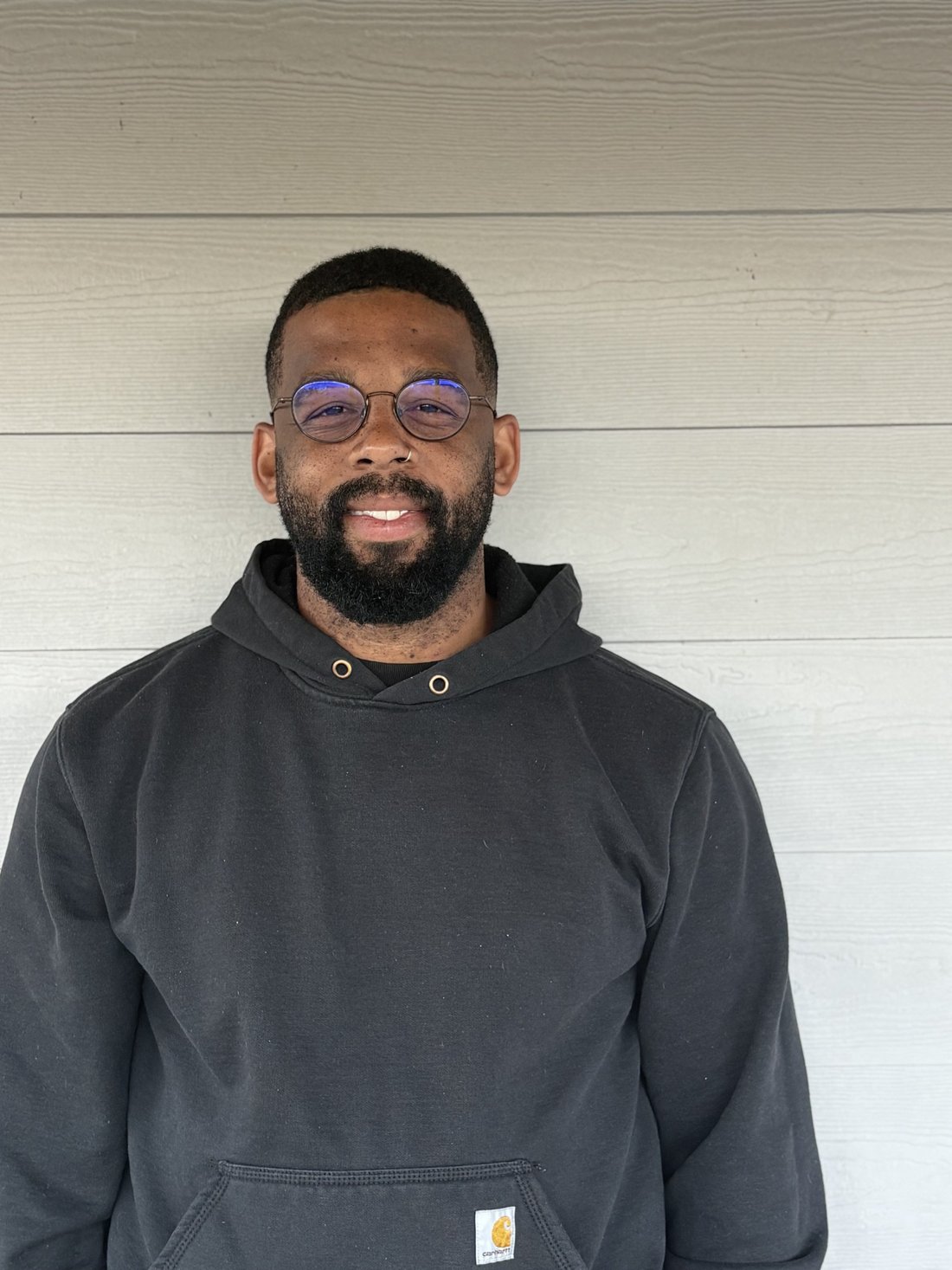
Imprint Studio founder smiling and looking into the camera
CREATED BY SEMITIC JEW
Your look, your choice

Your captions. Your creative direction.

These are just three examples—not three limits. Think bold headlines, elegant serif type, handwritten lettering, modern minimal captions, animated words, colorful highlights, or text layered behind the subject. The vision is a flexible caption and video-editing studio where you decide how your message looks.

Founder photo with a bold white text treatment
YOUR VOICE
YOUR STYLE
01 — BOLD
Same founder photo with light handwritten cursive captions
your voice,
your style
02 — HANDWRITTEN
Founder portrait with lettering positioned behind his head
03 — DEPTH

Three examples. Not a three-style limit. Fonts, sizes, colors, placement, timing, and visual effects are all part of the creative flexibility we’re designing for.

Beyond the presets

Make the words look like you.

Choose the character of your captions—from quiet and polished to bold and attention-grabbing.

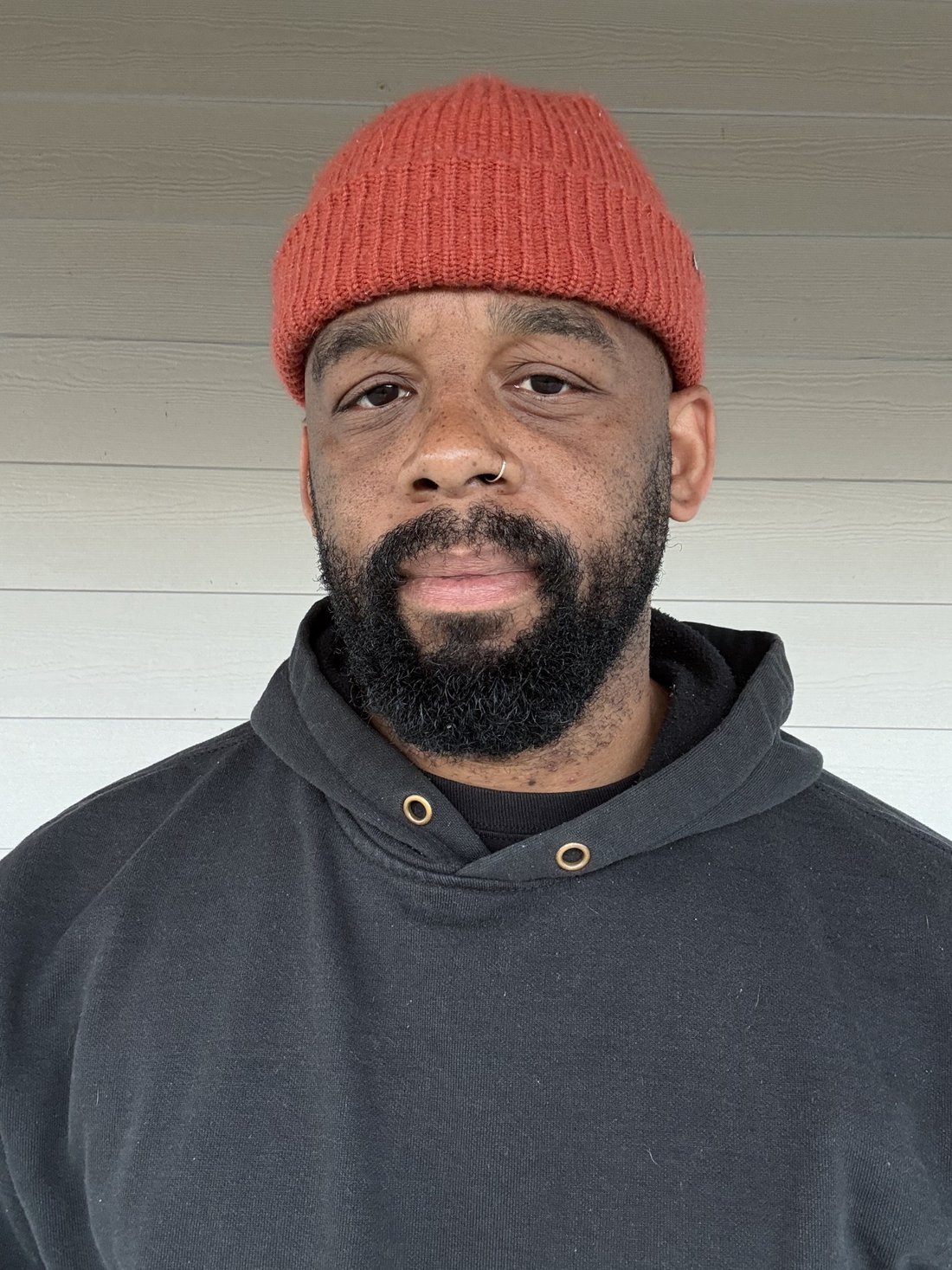
Founder of Imprint Studio wearing an orange-red knit cap
Why I'm building this

Creating content shouldn't become your second full-time job.

I'm an educator of 10 years, and I love God and I love God's people. I'm also a father and the creator behind Semitic Jew. I know how it feels to finish a full day of work and still have videos to edit, captions to write, and content to publish.

Sometimes a side project is about creativity. Sometimes it's also about finding another way to support your family. Either way, spending your entire evening editing is a real cost.

Imprint Studio is the tool I'm setting out to build: one that helps with the repetitive work while leaving the message, decisions, and final approval with the creator.

— SEMITIC JEW
What makes it different

Less editing busywork. More creative freedom.

More than a caption preset picker: we’re building toward a place to create, customize, and refine your entire video presentation—without handing over your voice or creative control.

01 / CLEAN UP

Trim the unnecessary.

Less time spent on retakes, filler words, and long pauses. More time spent on your message.

02 / MAKE IT YOURS

Find your font. Build your look.

Explore different typefaces, font weights, sizes, colors, outlines, backgrounds, and highlighted words. Save a consistent look for each series or try something entirely new.

03 / FINAL SAY

Review. Refine. Export.

A visual workspace designed to put the final decisions in your hands.

04 / DEPTH & MOTION

Make words part of the scene.

Design captions that appear word by word, highlight a key phrase, move with the moment, or sit visually behind the subject.

05 / CONTROL

Adjust every detail.

Position, resize, and time your captions. Correct the words, control line breaks, and preview changes before approving the finished video.

06 / CREATIVE RANGE

One studio. Your possibilities.

From clean educational videos to energetic reels, podcast clips, and promotional content, build the editing style that suits the message—not a fixed set of three templates.

Designed for working creators

Another subscription? You probably have enough of those.

A simpler approach to creative software.

Imprint Studio is being designed around a one-time purchase rather than another recurring software bill. Full pricing and any third-party access requirements will be shared ahead of release.

Good to know

Questions before you join?

Is Imprint Studio ready to download?

Not yet. Join the free waitlist to be first to hear about availability and early access.

Is the early-access waitlist free?

Yes. Joining the waitlist costs nothing and does not obligate you to buy.

Will the software require Claude?

Some workflows may require a separate Claude subscription. We’ll publish the requirements before purchases open.

Am I limited to the three caption looks shown?

No. Those three images demonstrate a few visual directions, not the full vision. We’re designing for flexible typography, caption styling, placement, timing, and reusable creative preferences. Features will be confirmed as they’re developed and tested.

Be first to know

Your content. Your voice. Your imprint.

Join the free waitlist for product updates, beta opportunities, launch information, and behind-the-scenes demonstrations.

OPEN KIT WAITLIST

Free to join. No purchase required.